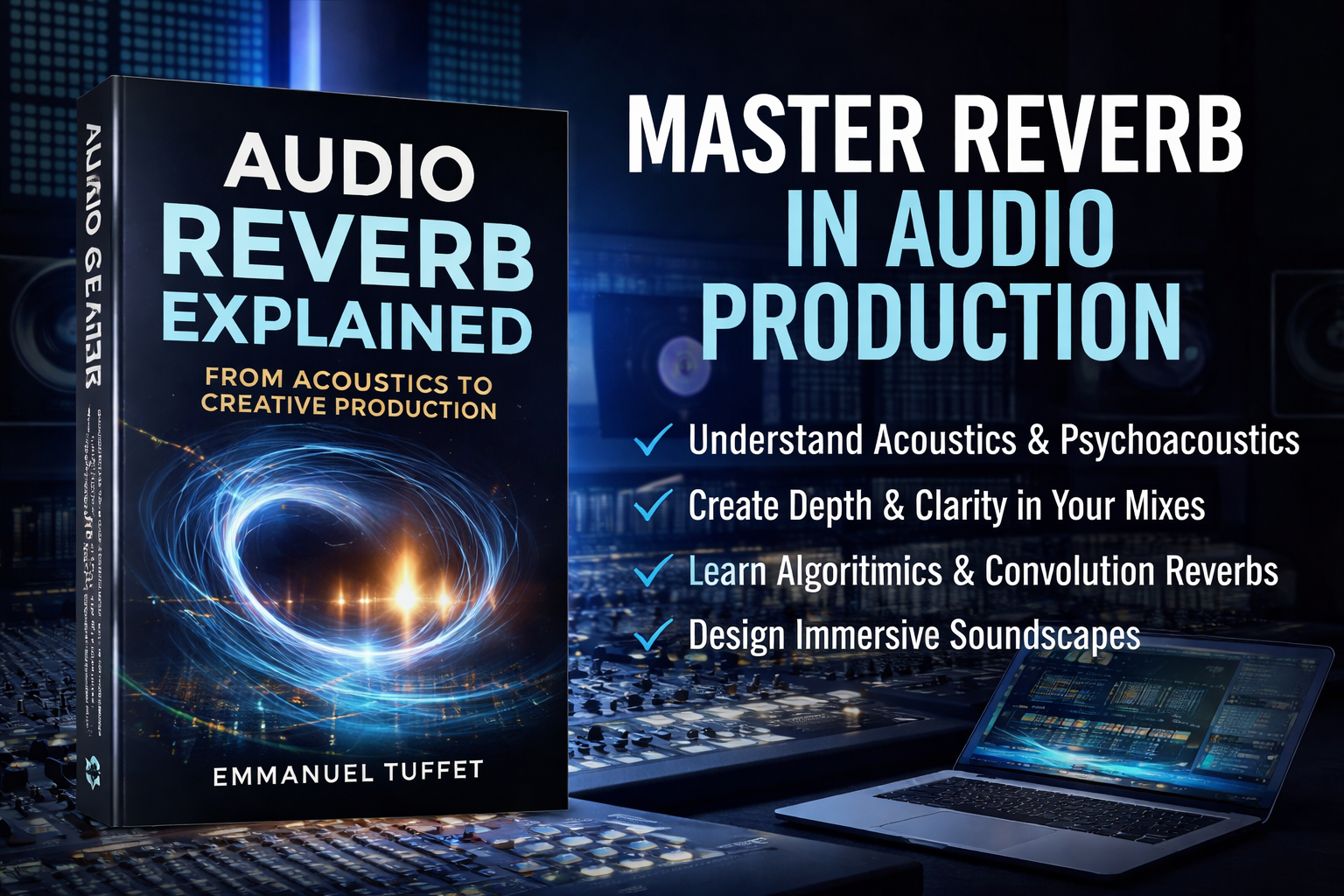
Reverb is one of the most powerful tools in modern audio production. It defines space, depth, and atmosphere, transforming flat recordings into immersive sonic environments. Yet many producers struggle with muddy mixes, excessive ambience, or a lack of spatial clarity because they do not fully understand how reverb works.
Audio Reverb Explained is a comprehensive course designed to teach the science, techniques, and creative applications of reverb used by professional producers and audio engineers.
In this course, you will move from the foundations of acoustics and psychoacoustics to advanced mixing and sound design techniques, learning how reflections, decay, diffusion, and spatial perception shape the way listeners experience sound.
You will also explore both algorithmic and convolution reverbs, understand how to control parameters like pre-delay, RT60 decay time, damping, and diffusion, and apply professional workflows to create depth while maintaining mix clarity.
In this course you will learn:
• The physics and perception of reverb
• Early reflections vs late reverb tails
• How acoustic spaces shape sound
• Algorithmic vs convolution reverbs
• Professional reverb parameters and controls
• Creating depth and dimension in a mix
• Advanced spatial design techniques
• Troubleshooting muddy or washed-out mixes
Who this course is for
This course is ideal for:
• Music producers
• Audio engineers
• Mixing and mastering engineers
• Sound designers
• Home studio creators
• Audio students and educators
Whether you are working in Logic Pro, Pro Tools, Ableton Live, FL Studio, Cubase, or any DAW, the concepts in this course apply universally to professional audio production.
By the end of this course, you will understand how to design space intentionally, giving your mixes clarity, dimension, and emotional impact.
Instead of simply adding reverb, you will learn how to sculpt sound environments like a professional engineer.
Instructor: Emmanuel Tuffet
Audio Engineer • Producer • Educator
Course Features
- Lectures 14
- Quiz 1
- Duration 10 weeks
- Skill level All levels
- Language English
- Students 0
- Assessments Yes
- 5 Sections
- 14 Lessons
- 10 Weeks
- LearnPress IntroductionThis section will guide you through the essential information and basic settings you need to get started with LearnPress.4
- LearnPress Live CourseLearnPress integrates with popular tools to enable live online courses.2
- LearnPress Courses, Lessons & QuizzesLearnPress LMS Plugin is free to use and offers a robust set of features to get you started.2
- LearnPress SettingsThis section walks you through all the essential LearnPress settings to get you started.5
- 4.1Configure LearnPress Plugin – Create an LMS Website with LearnPress10 Minutes
- 4.2Configure Payments and Email – Create an LMS Website with LearnPress10 Minutes
- 4.3How the Student Enrolls and Finishes a Course10 Minutes
- 4.4Page Profile Overview10 Minutes
- 4.5Introduce Order Tab and Tool Tab of LearnPress10 Minutes
- LearnPress Premium Themes and Add-onsTo enhance LearnPress functionality, we also provide premium add-ons with even more advanced features.2